Evaluating the Luxury Gold Logo Mockup Design for Professional Branding
In the competitive landscape of modern branding, visual presentation is often as critical as the design itself. A logo may be aesthetically pleasing in a flat vector format, but its true impact is realized when it interacts with texture, lighting, and environment. This is where mockups become an indispensable tool for designers, marketers, and business owners. Among the various options available, the Luxury Gold Logo Mockup Design stands out as a specialized asset intended to elevate brand perception through high-fidelity realism. This article provides a comprehensive evaluation of this specific mockup template, exploring its technical specifications, usability features, and suitability for different professional needs.
Understanding the Product: What Is It?
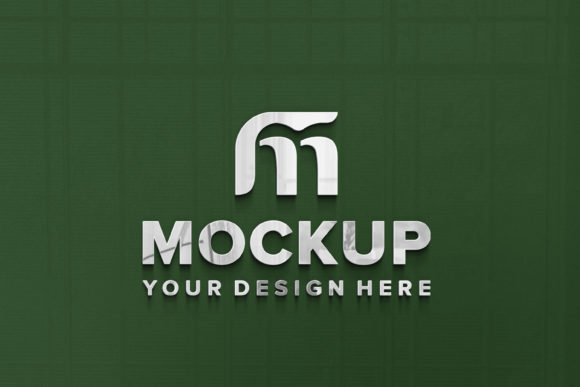
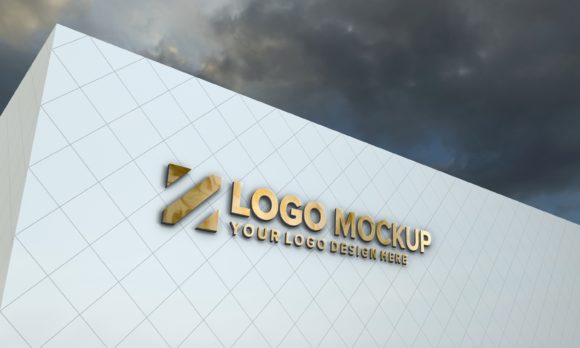
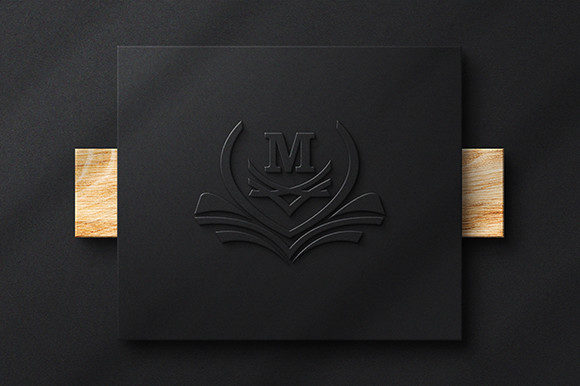
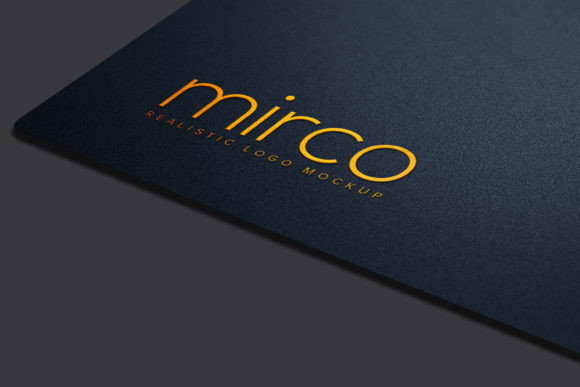
The Luxury Gold Logo Mockup Design is a digital template, primarily distributed in Photoshop (PSD) format, designed to simulate how a logo appears on a metallic, gold-textured surface. Unlike generic backgrounds, this specific design leverages 3D rendering techniques to create realistic shadows, reflections, and lighting effects. The core functionality relies on Adobe Photoshop’s Smart Object technology, which allows users to insert their own artwork without manually adjusting perspective or blending modes.
The product package typically includes a single PSD file, a preview JPEG, version information, and a help file. While the inclusion of a help file suggests a user-friendly approach, the primary value lies in the PSD file’s structure. It is described as "fully layered and well organized," which is a crucial detail for users who may wish to customize elements beyond just the logo placement.
Key Features and Technical Specifications
When evaluating any digital asset, understanding the technical constraints and capabilities is essential. The Luxury Gold Logo Mockup Design offers several distinct features that cater to both novice and experienced designers.
- Smart Object Replacement: This is the most significant feature. Users can simply double-click the smart object layer, paste their logo, save, and close. The software automatically maps the design onto the 3D surface, applying correct angles, shadows, and lighting. This eliminates the need for manual warping or distortion tools.
- High Resolution and Quality: The mockup is provided at 3000 x 2000 pixels with a resolution of 300 DPI. This ensures that the final output is suitable for high-quality print materials, such as business cards, premium packaging, or large-format signage, without pixelation.
- Realistic 3D Rendering: The design aims for a "real" look, implying that the gold texture has depth and material properties. This helps in presenting a brand as premium, established, and luxurious.
- Editability: The template is marketed as "100% editable." This means that beyond replacing the logo, users have access to the underlying layers. Depending on the file organization, one might adjust the background color, tweak the lighting intensity, or modify the texture of the gold surface.
Benefits of Using This Mockup
The decision to use a specialized mockup like the Luxury Gold Logo Mockup Design offers several practical benefits for brand presentation.
Enhanced Perceived Value: Gold is universally associated with luxury, success, and exclusivity. Placing a logo on a gold surface immediately communicates these attributes to the viewer. For businesses in sectors such as finance, jewelry, real estate, or high-end hospitality, this visual cue can reinforce brand positioning.
Time Efficiency: Creating a realistic 3D render from scratch requires advanced skills in graphic design software and knowledge of light physics. By using a pre-made smart object mockup, designers can achieve a professional result in seconds rather than hours. This efficiency is particularly valuable for agencies managing multiple client projects or freelancers working under tight deadlines.
Accessibility for Non-Designers: The "no skill requirement" aspect mentioned in the description makes this tool accessible to entrepreneurs and marketing managers who are not proficient in Photoshop. As long as they can navigate basic file operations, they can produce polished presentations.
Tradeoffs and Considerations
While the benefits are clear, potential users should consider certain limitations and tradeoffs before purchasing or downloading this asset.
Software Dependency: The primary file is a PSD, which requires Adobe Photoshop. If a user does not have a subscription to Creative Cloud, they cannot utilize the smart object features. Alternatives like GIMP or Affinity Designer may open the file, but smart object functionality is often limited or non-existent, requiring manual workarounds that defeat the purpose of the template.
Generic Aesthetic Risks: Gold textures can sometimes appear cliché or overly ornate if not used judiciously. There is a risk that the mockup may overpower the logo itself, especially if the logo is intricate or uses light colors. Users must ensure that their brand identity aligns with the opulent nature of the gold finish.
Single File Limitation: The pack includes only one PSD. For brands that require consistent branding across multiple contexts (e.g., business cards, letterheads, social media banners), a single mockup may not provide enough variety. Users might need to purchase additional mockups or edit this one extensively to create diverse presentations.
Situational Fit: Who Should Use This?
The Luxury Gold Logo Mockup Design is a strong fit for specific scenarios:
- Brand Launches: New businesses aiming to establish a premium image from day one.
- Client Presentations: Designers needing to showcase logo concepts in a realistic context to persuade clients.
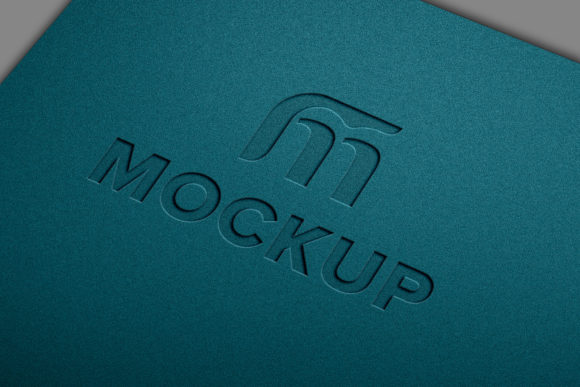
- Packaging Design: Companies designing physical products where the logo will be embossed or printed on metallic surfaces.
- Marketing Materials: Creating high-impact social media graphics or ad banners that require a sense of prestige.
Conversely, alternatives may be worth considering in other situations. For tech startups or minimalist brands, a clean white or dark grey mockup might better reflect their identity. Additionally, if a user needs multiple variations quickly, a multi-pack mockup set would offer better value than a single-file template.
Practical Decision-Making Insights
To determine if this mockup aligns with your goals, ask yourself the following questions:
- Do you have access to Photoshop? Without it, the smart object feature is inaccessible.
- Is your brand aligned with luxury aesthetics? Ensure the gold theme complements, rather than clashes with, your existing brand guidelines.
- What is the intended output medium? The 300 DPI resolution is ideal for print. If your primary need is low-resolution web display, a lower-res mockup might suffice, though the quality difference is often negligible for screen viewing.
- Do you need customization flexibility? Check the layer organization. Well-organized folders allow for easy editing of lighting and texture, whereas poorly structured files can lead to frustration.
In conclusion, the Luxury Gold Logo Mockup Design is a robust tool for creating high-end visual representations of logos. Its ease of use, driven by smart object technology, makes it a practical choice for professionals seeking to enhance brand perception without extensive technical effort. However, users must weigh the dependency on Adobe Photoshop and the specific aesthetic implications of gold against their broader branding strategy. For those targeting a premium market segment, this mockup offers a reliable path to professional-grade visual communication.